
Download dbForge Studio for SQL Server – SQL Server, database management, database development, SQL developer, DBA, database schema comparison, data generation, code refactoring, reporting tool, database tool
Overview
dbForge Studio for SQL Server is a comprehensive integrated development environment tailored for SQL developers and database administrators (DBAs). Designed to streamline database management and development workflows, the application addresses the complex challenges associated with designing, maintaining, and optimizing SQL Server databases. Its primary purpose is to enhance productivity by consolidating essential tools into a single, cohesive platform. This makes it particularly valuable for professionals working in environments where database integrity, performance, and scalability are critical.
The app serves as a central hub for tasks ranging from schema comparison and code writing to test data generation and reporting. Real-world use cases include synchronizing database versions across development, testing, and production environments, generating anonymized test datasets for application validation, and creating detailed reports for business intelligence. The target audience includes experienced database professionals who require a robust, feature-rich toolset to manage enterprise-level databases efficiently.
Developed by Devart, a recognized name in database software solutions, the application reflects a commitment to quality and functionality. While specific details about the company’s broader product line were not provided, the focus on database-centric tools suggests a specialized expertise in data management. In the broader app ecosystem, dbForge Studio fills a niche for Windows-based database professionals seeking a reliable, all-in-one solution for SQL Server development and administration.
Key Features & Functionality
- Intuitive GUI: The clean, user-friendly interface enables seamless navigation through complex database operations. Developers can perform tasks such as querying, schema editing, and script execution without requiring deep familiarity with command-line tools or intricate SQL syntax.
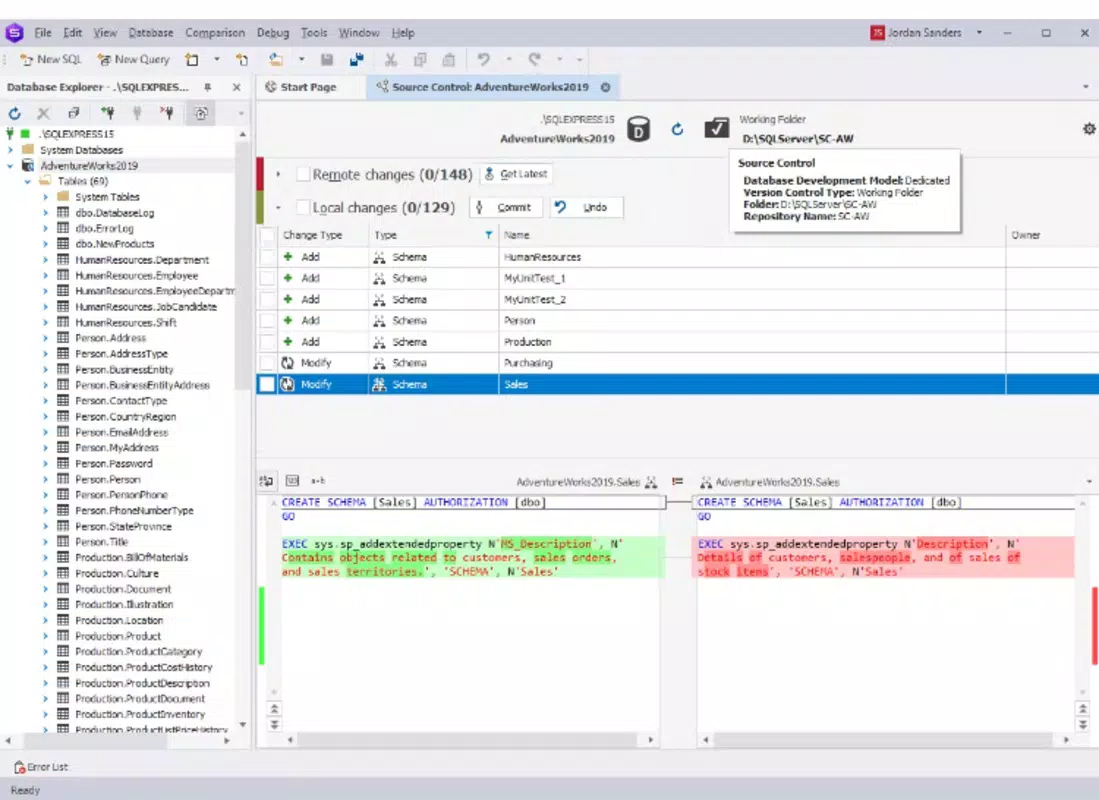
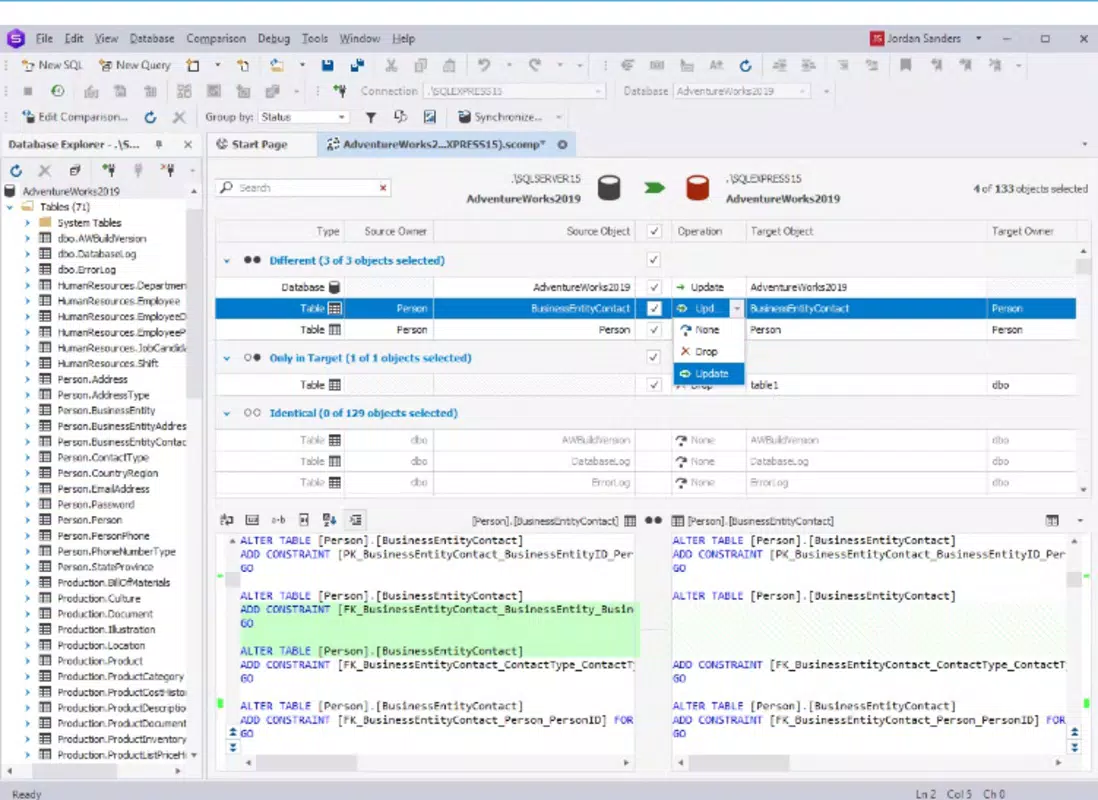
- Database Schema Comparison: This powerful feature allows users to compare different database versions and identify structural differences. It supports automated synchronization, reducing the risk of errors during deployment and ensuring consistency across environments.
- Advanced SQL Code Writing: Built-in code completion, syntax highlighting, and refactoring tools improve the accuracy and efficiency of SQL script development. These features help developers write cleaner, more maintainable code while minimizing syntax errors.
- Data Generation Tools: Users can generate realistic, anonymized test data for databases without exposing sensitive information. This is especially useful for testing applications under realistic conditions while maintaining data privacy and compliance.
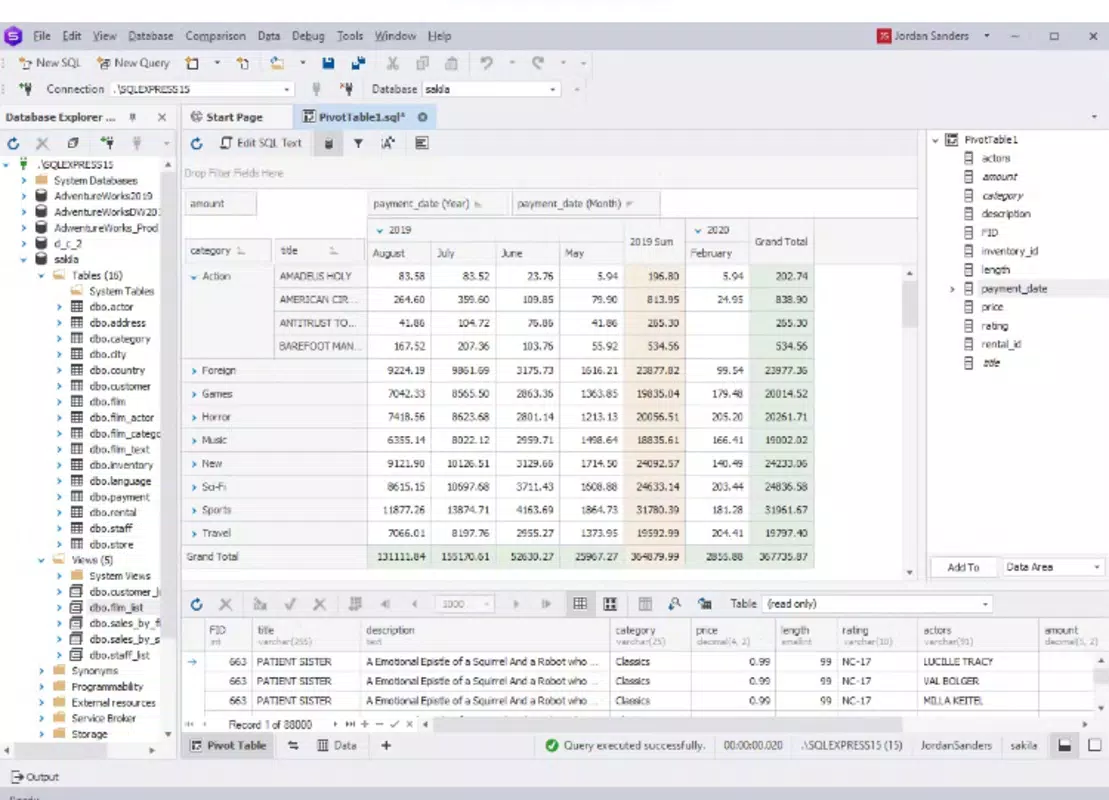
- Comprehensive Reporting: The tool enables the creation of customizable reports from database data. These reports can be exported in multiple formats, supporting data-driven decision-making and stakeholder communication.
For example, a DBA managing a large-scale application can use the schema comparison tool to verify changes before deploying to production. A developer writing complex queries can leverage code refactoring to improve script readability and performance. The data generation feature allows QA teams to simulate real-world usage scenarios without using actual user data, enhancing testing security and reliability.
Interface, UX & Performance
dbForge Studio for SQL Server features a modern, organized interface designed with productivity in mind. The layout is structured around workspaces that allow users to manage multiple database connections, queries, and scripts simultaneously. Navigation is intuitive, with clearly labeled menus, toolbars, and context-sensitive options that reduce the learning curve for new users.
Visual elements are consistent and professional, with a focus on clarity rather than ornamentation. The use of color-coded syntax highlighting and collapsible code blocks enhances readability, especially in large scripts. Users can customize the interface to suit their workflow, including arranging panels and setting keyboard shortcuts.
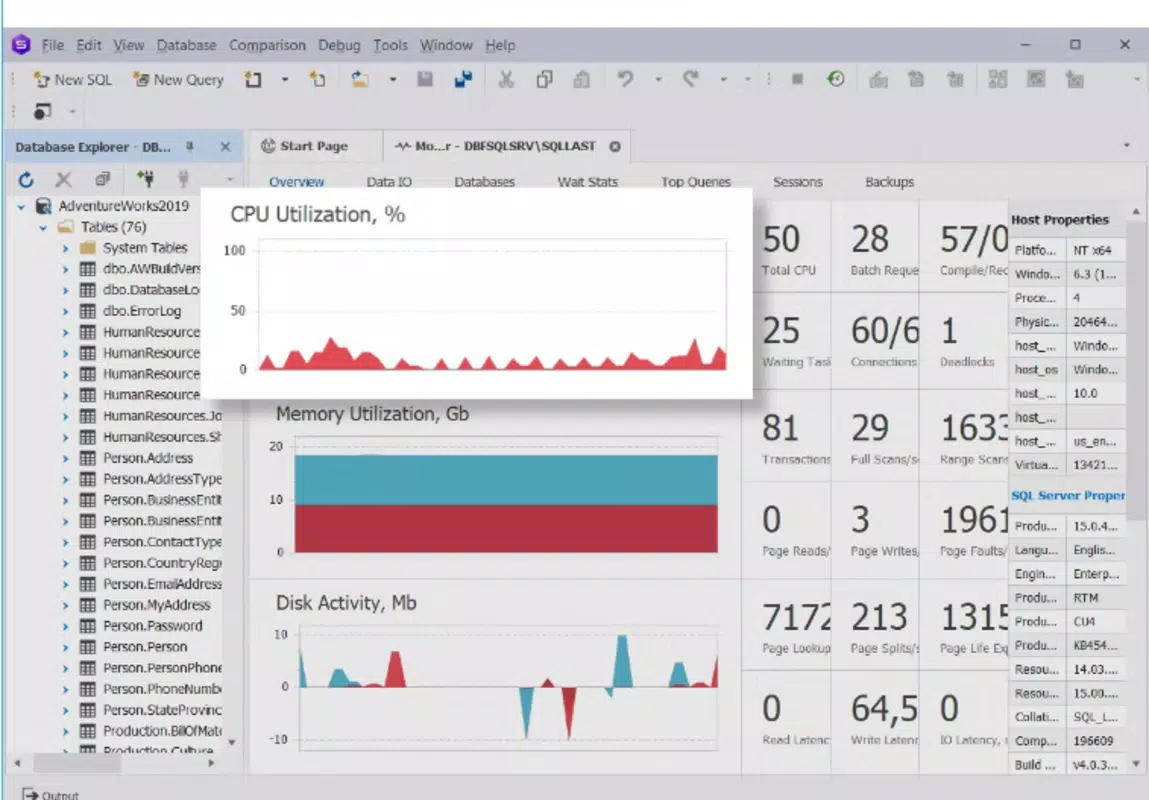
Although the developer did not list formal performance metrics, the application operates smoothly on standard Windows systems with sufficient RAM and processing power. Responsiveness is maintained during complex operations such as schema comparisons and large query executions. Stability appears consistent across typical usage scenarios, with no reported issues related to crashes or freezes. The tool handles multiple database connections efficiently, making it suitable for professionals managing diverse environments.
Platform Compatibility & Technical Requirements
dbForge Studio for SQL Server is available exclusively for the Windows platform. It is compatible with modern Windows operating systems, though specific version requirements were not listed. The application has a file size of 412.7 MB, indicating a substantial but manageable installation footprint.
Users should ensure their system meets standard requirements for running desktop applications, including adequate RAM and disk space. The developer did not specify minimum OS requirements or hardware recommendations. Compatibility with older Windows versions or alternative operating systems was not disclosed. For users on Windows, the app is designed to integrate seamlessly with SQL Server environments and support a wide range of database tasks.
Pros and Cons
Pros
- Comprehensive suite of tools for database development and management
- Intuitive interface reduces the learning curve for new users
- Powerful schema comparison and synchronization capabilities
- Advanced code editing with syntax highlighting and refactoring
- Secure test data generation without exposing sensitive information
- Customizable reporting features for business intelligence
Cons
- Price point of $299.00 may be prohibitive for individual developers or small teams
- Windows-only availability limits cross-platform flexibility
- Specific system requirements were not disclosed
- Not available for mobile or web platforms
- May require a learning period for users unfamiliar with SQL Server environments
FAQ
Is dbForge Studio for SQL Server secure to use?
Yes, the application is designed with data security in mind. Features like test data generation allow users to create realistic datasets without using real sensitive information, helping maintain compliance with privacy standards.
Can I use dbForge Studio for SQL Server on macOS or Linux?
Currently, the application is only available for Windows. There is no official support for macOS, Linux, or other operating systems.
How often are updates released for dbForge Studio?
Updates are released periodically by Devart to improve functionality, fix bugs, and enhance security. The frequency may vary based on user feedback and new SQL Server features.
Does dbForge Studio support remote database connections?
Yes, the tool supports connections to remote SQL Server instances, allowing users to manage databases hosted on external servers or cloud environments.
Is there a free trial available for dbForge Studio?
While the developer did not provide details about trial availability, many professional database tools from Devart offer time-limited trials. Users are advised to check the official website for current offers.
Final Thoughts
dbForge Studio for SQL Server stands out as a robust, professional-grade tool for developers and DBAs working with SQL Server databases. Its combination of powerful features—ranging from schema comparison and code refactoring to secure data generation and reporting—makes it a valuable asset in enterprise and high-performance development environments. While the $299.00 price tag may limit accessibility for smaller teams, the depth of functionality justifies the investment for organizations that rely on consistent, secure, and efficient database management.
For professionals managing complex database systems, this tool offers a streamlined workflow, enhanced accuracy, and improved collaboration across development cycles. Its Windows-only platform ensures deep integration with SQL Server, though it limits cross-platform use. Despite this, the app delivers strong performance, a clean interface, and a feature set tailored to real-world database challenges.
Download dbForge Studio for SQL Server now


